 DateStamps
Before you print: add dates to family photos
A date on a family print helps you remember the birthday, holiday or everyday moment long after it leaves your phone.
Choose photos, check their dates, leave room around the stamp, and save new copies. Check the print service’s crop preview before ordering.
Choose your family memories
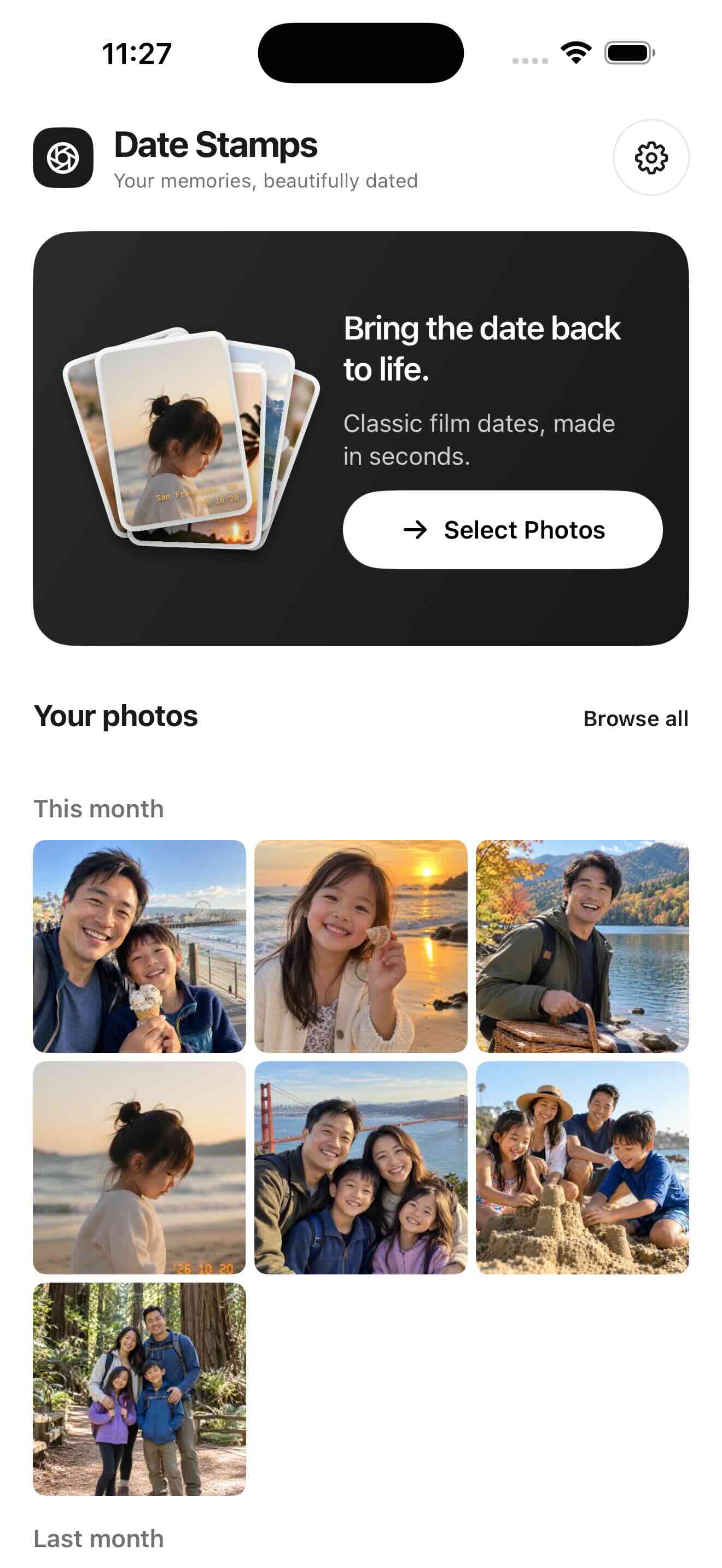
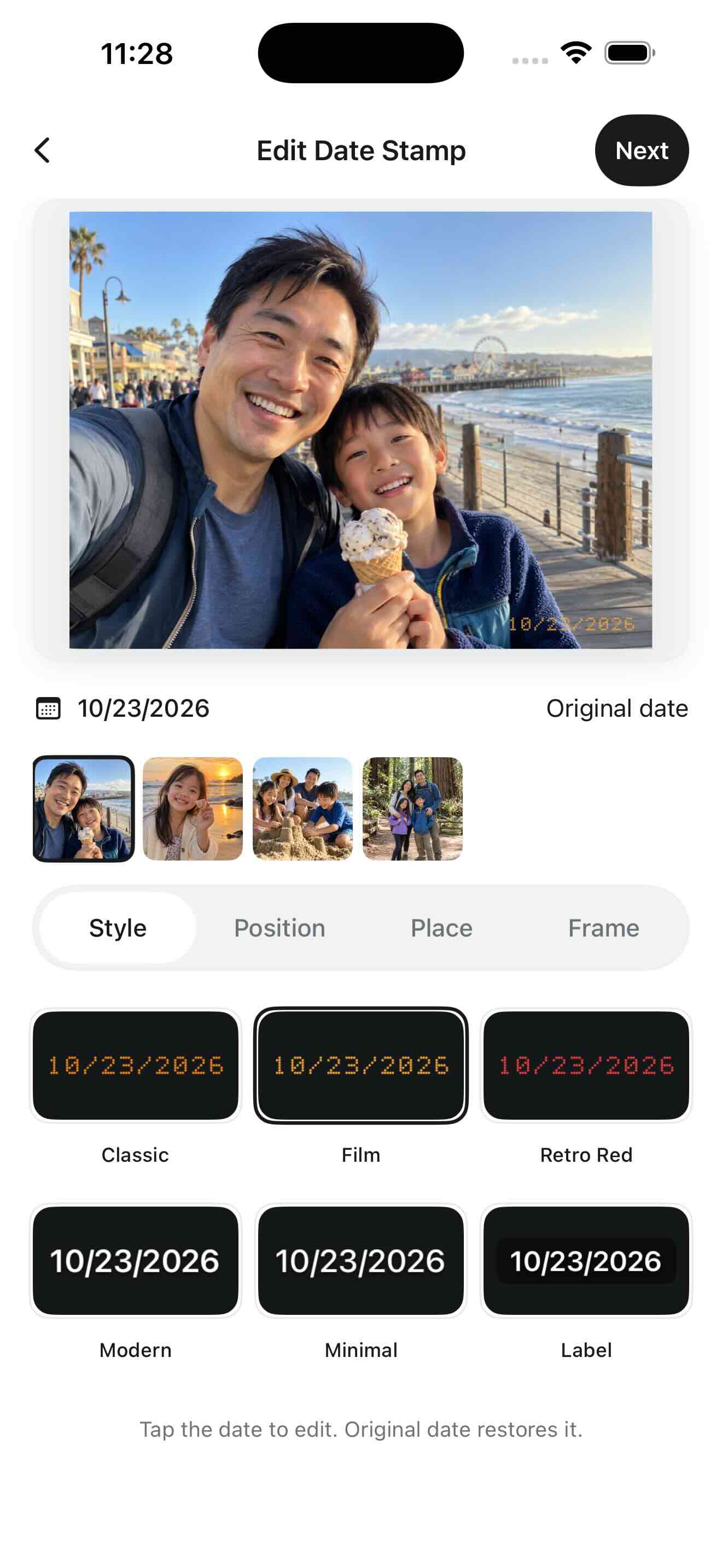
Select the photos you want to print. Each image starts with its own EXIF or Apple Photos capture date. Tap the date in the editor to correct only that photo if needed.
Match the print proportions
Long-press a preview or thumbnail and choose Crop photo. Pick a ratio that suits the intended print. Cropping affects only that photo and reduces its pixel dimensions.
Give the date some breathing room
Choose a readable style and size. Keep the date away from faces and the outer edge. An optional frame adds canvas; it does not guarantee that a print service will preserve the border.
Save and check before ordering
Save new copies, open the results and check the dates and orientation. Inspect your printer or lab’s crop preview, and consider a test print before a larger order.
Will the date appear on the printed photo?
The date is part of the exported image, so it can appear in the print. A printer or lab may crop it away if it is too close to an edge; check the print preview.
A 4 × 6 print needs a 2:3 shape
A landscape 4 × 6 inch print has a 3:2 aspect ratio; a portrait print is 2:3. Square and 4:3 photos need cropping or borders to fill that paper. The app’s named presets are not a print-size selector: use Freeform or Original when appropriate, then check the print service’s own crop preview.
Keep the date inside the print-safe area
Leave a visible gap between the date and the outer edge. Borderless labs may trim the image, including a frame. A 4 × 6 print at 300 pixels per inch uses 1200 × 1800 pixels; this is a useful reference, not a guarantee of print quality. Check the exported dimensions and order one test print before a large batch.