 DateStamps
How to Batch Date-Stamp iPhone Photos
A shared date is usually wrong for a holiday album. A good batch stamp uses the original capture date of every individual photo while keeping the same visual style across the group.
Select multiple photos, review missing or suspicious dates, set one visual style, then export. Each image should keep its own date—even when the same style is applied to the entire selection.
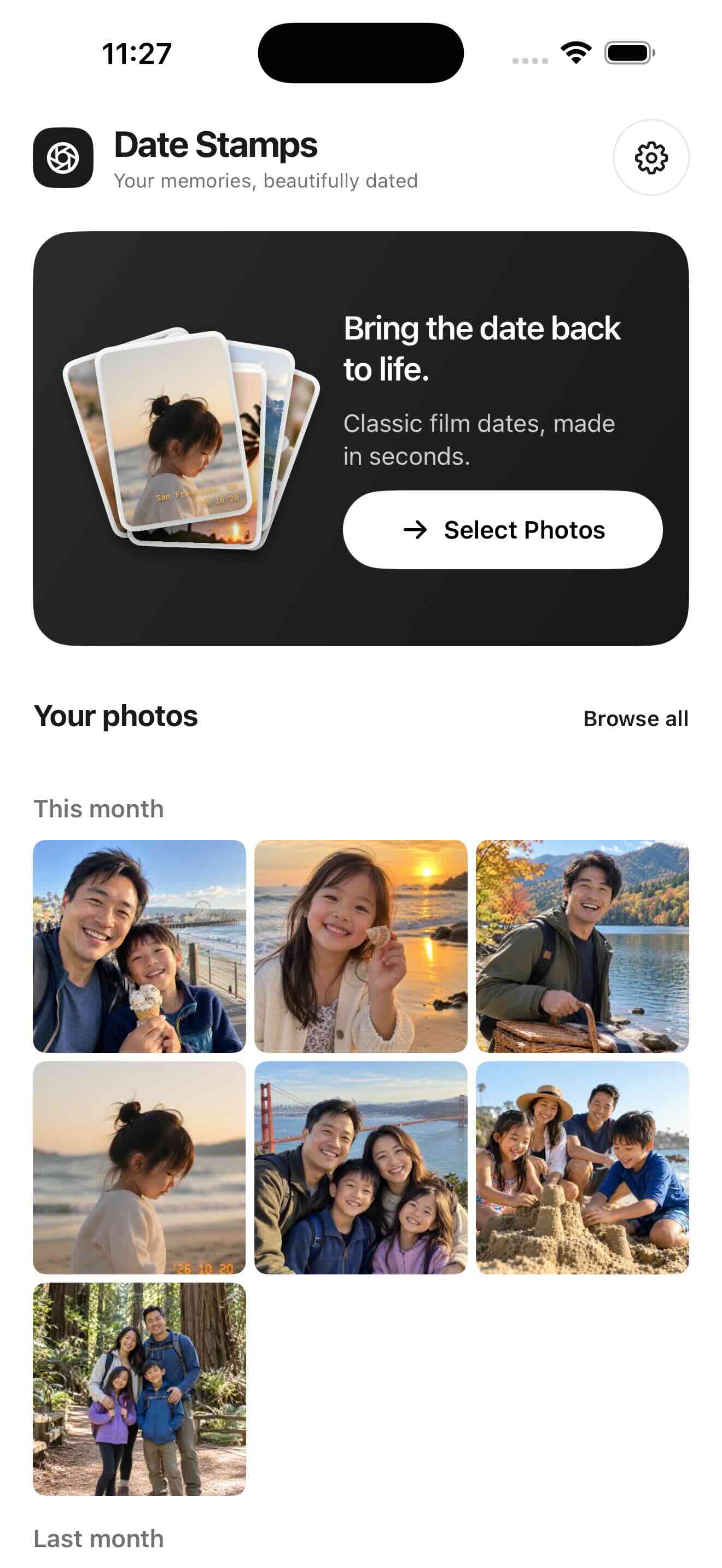
Select only the pictures you want
Pick up to 100 photos in one DateStamps session. You can use Apple’s system picker without granting access to every photo. An iCloud-only original may need time and internet access to download.
Review the date exceptions first
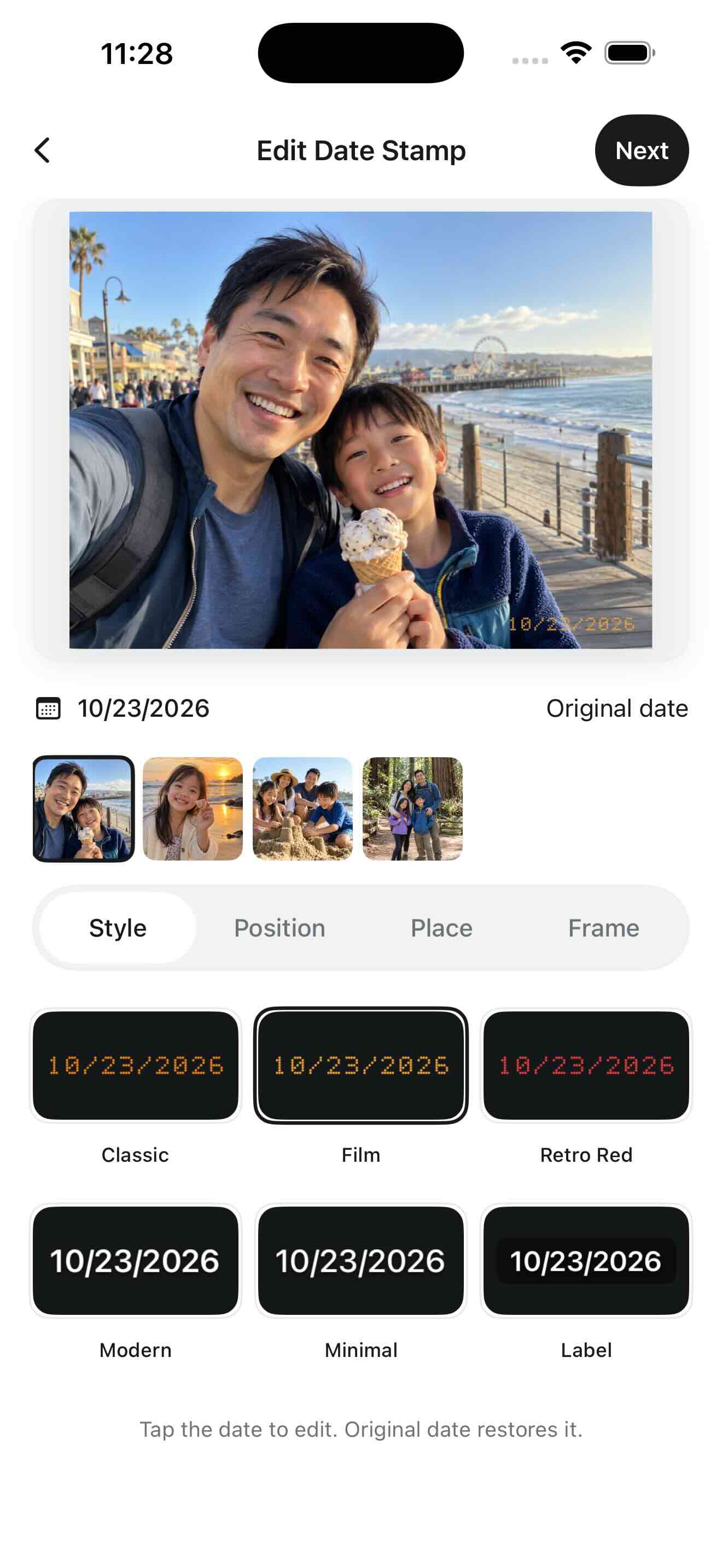
In the editor, tap the date to set or correct it for that photo. Original date restores its capture date when available. If you cannot confirm a date, remove that photo from the batch.
Apply a consistent treatment
Choose a style, corner, format and relative size once. DateStamps can reuse these visual settings while reading separate dates for separate photos. Inspect at least one portrait, one landscape and one bright image for legibility.
Export and verify your album
Save new JPEG/PNG files at the chosen quality setting. With appropriate library access they can be added to the DateStamps album; otherwise choose a supported alternative. Check the final count and a few saved images before clearing the session.
Do all photos get the same date in a batch?
No. The style is shared, but the intended behavior is to use each image’s own capture date. Missing dates should be reviewed individually.
One trip, several days
For a trip from October 20 to October 23, select photos from all four days and apply one style. A picture taken on October 20 should keep October 20; a picture from October 23 should keep October 23. Before exporting, check both ends of the trip and any image imported from a messaging app. Do not substitute today’s date for a missing capture date.